
Your team builds its own device courses, quickly and to a high standard.
You upload the instructions for use, slides and videos. Fracto reads the material and turns it into the building blocks of a multimedia course: lessons, figures, quiz questions and voice-over. Your experts review and approve.

This is where your course takes shape.
Lessons, final exam, languages and knowledge base sit in one place. You see at a glance what is approved and what is still in review.
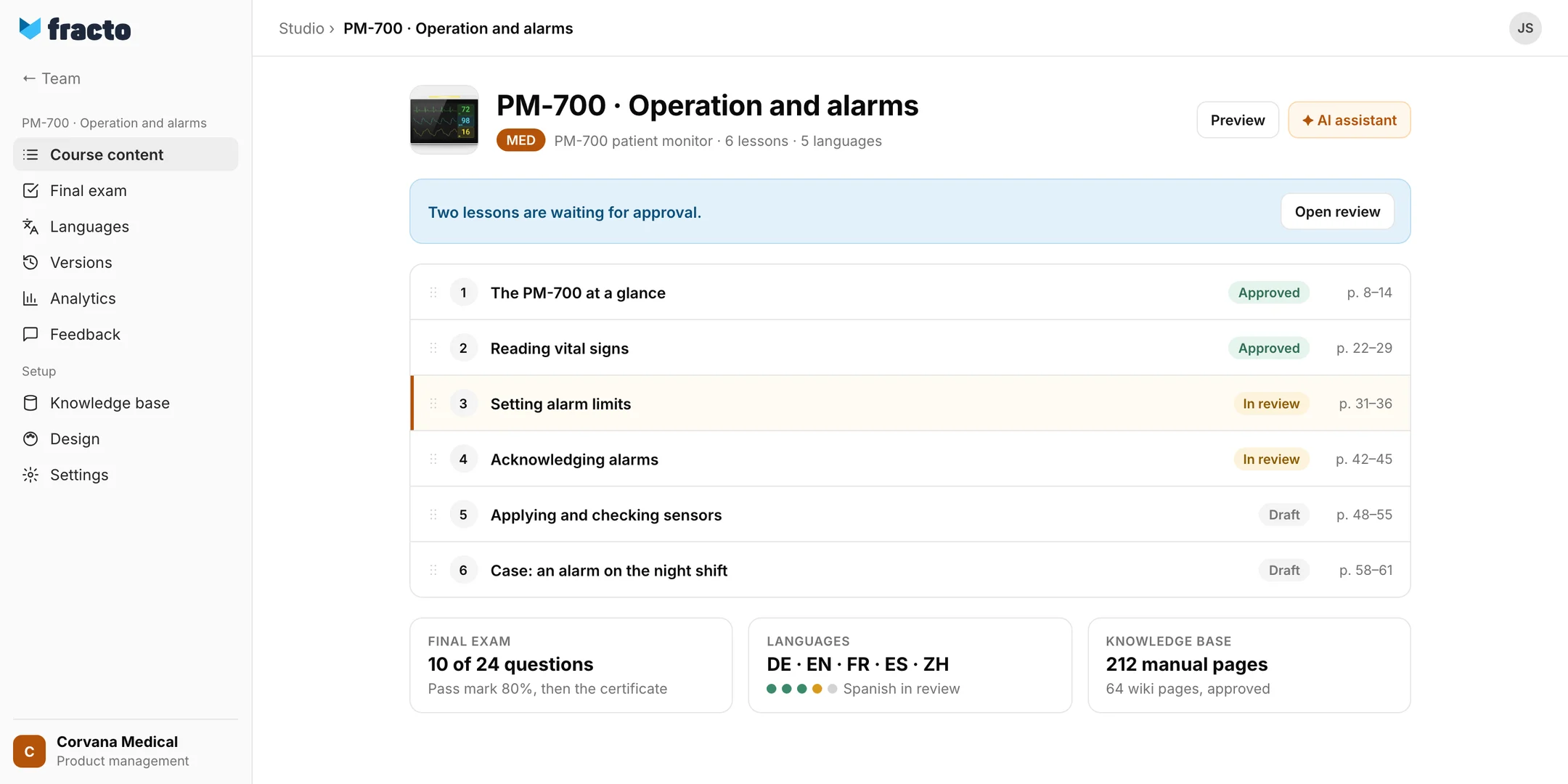
The manual becomes a course.
Upload your documents and Fracto does the rest in three steps. The result is a course draft in which every lesson points to its page in the manual.
- PDF and PowerPoint, with the original pages kept as the source
- Operating videos become lessons
- The AI answers only from your material
- Your materialInstructions for use, service manual, slide deck, operating video
- ExtractionText, figures and tables are extracted page by page. Every passage keeps its page number.
p. 32“Set the upper and lower alarm limit for each vital sign …”
- Knowledge baseEvery passage is searchable in a vector database, plus a wiki about your device with terms and operating questions. Your experts review it.
WikiAlarm limit · term · p. 31, 32, 35
- Course draft from building blocksOutline and lessons, each with a page reference. You edit, add and approve.
Lesson 3Setting alarm limits · p. 31–36
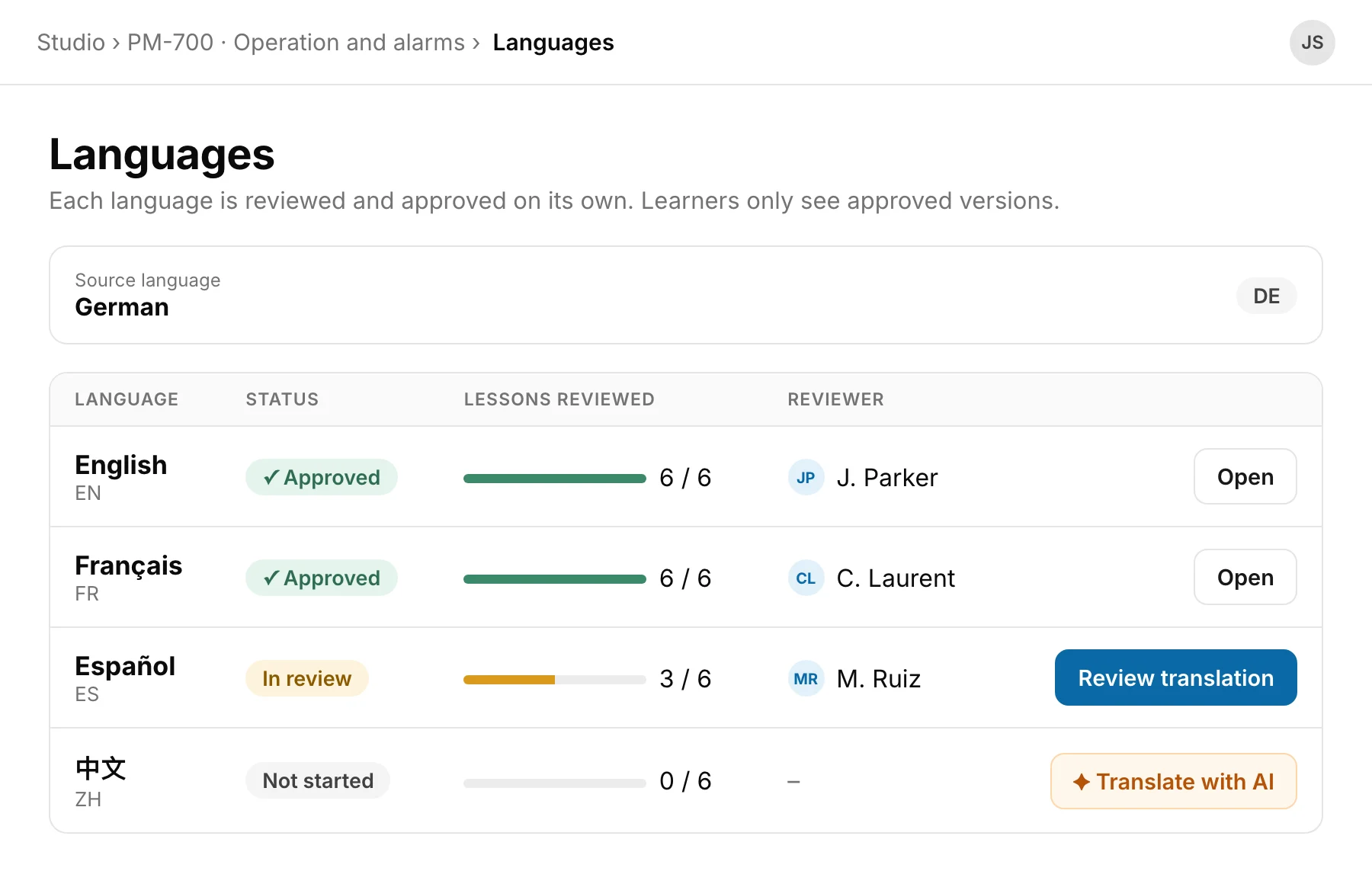
Every language is approved on its own.
You write the course once. Fracto translates it with AI, and a fluent speaker reviews each language. You see at a glance which version is approved.
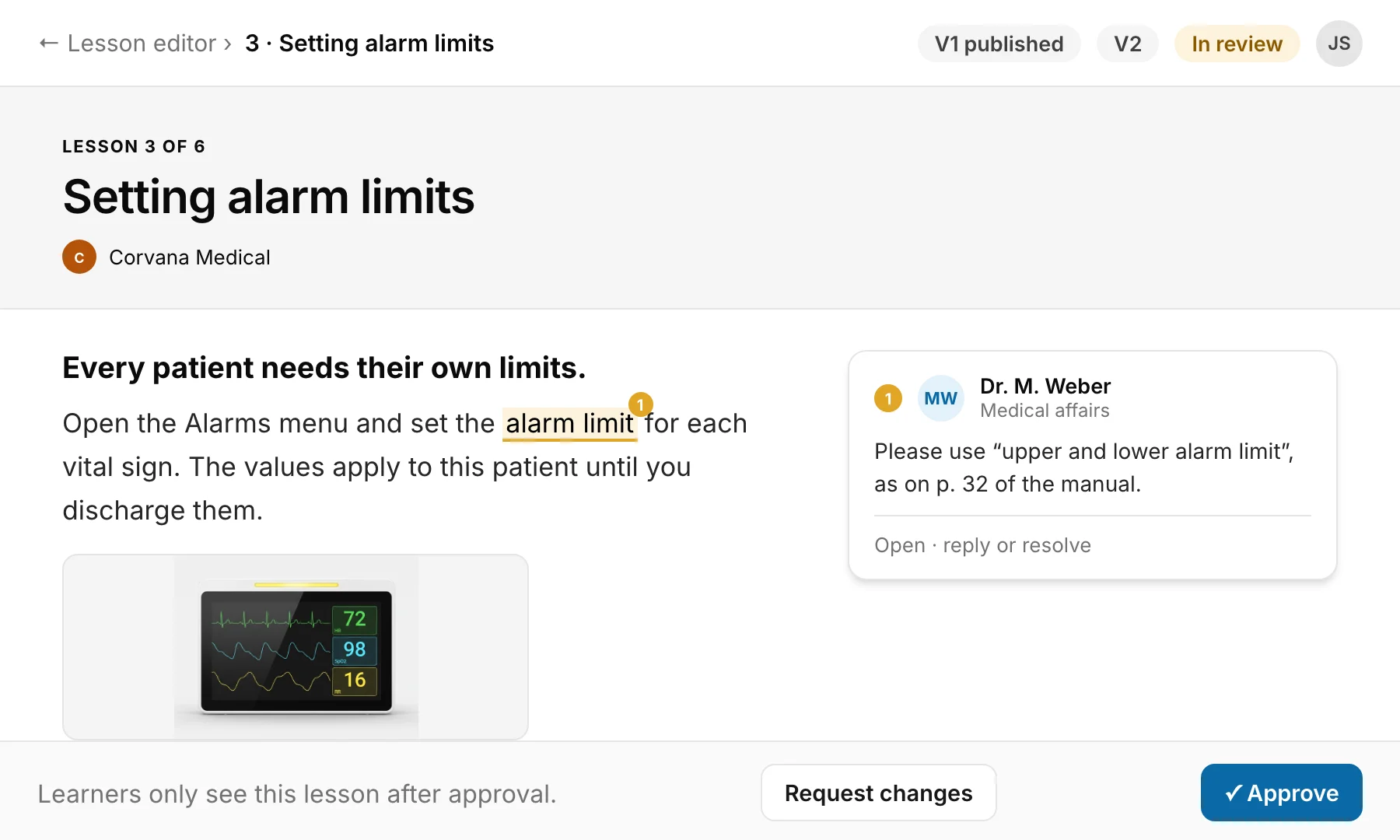
Nothing goes out unreviewed.
Your experts comment directly on the text and approve the lesson. Only then do learners see it. Every published version is kept.
Building blocks that go beyond text.
Fracto has 86 block types, from flashcards to scenarios. Here are eight of them.
-
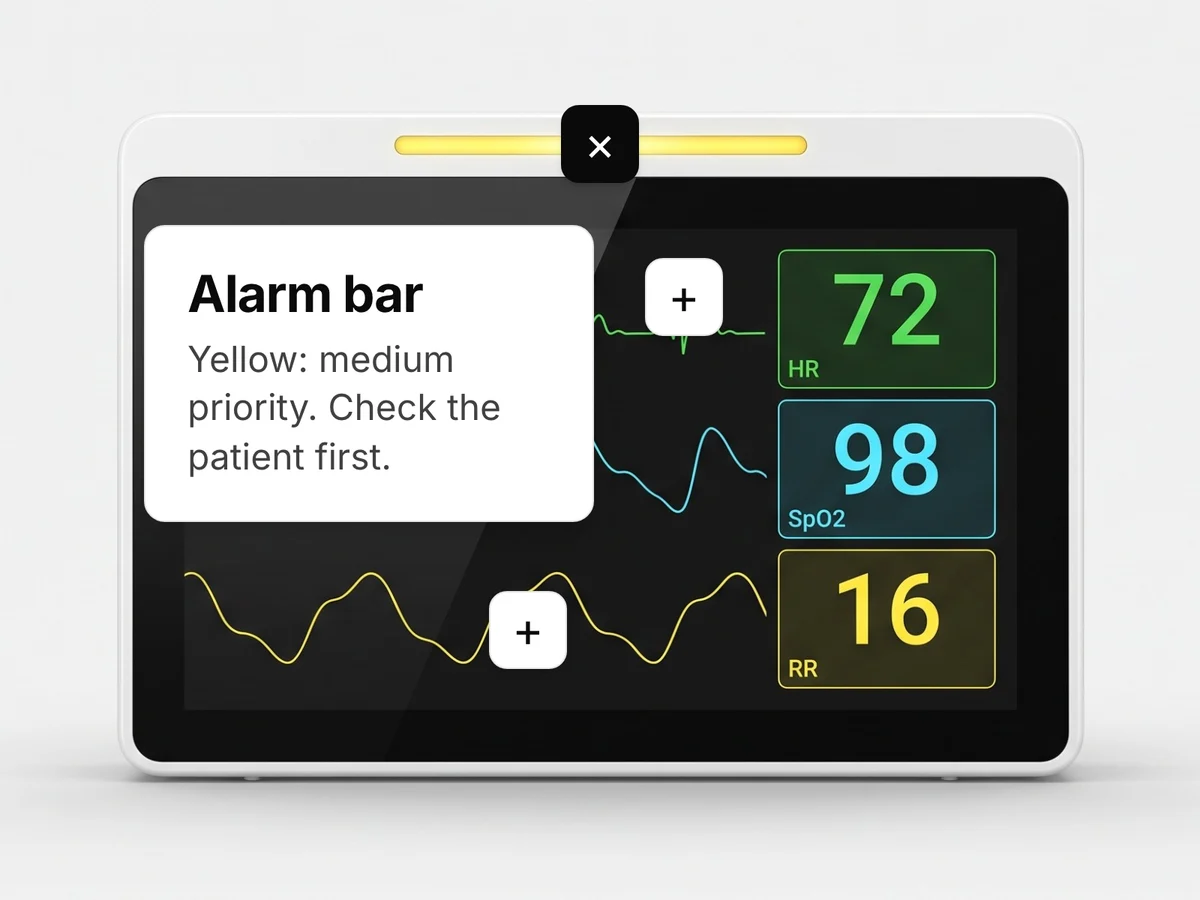 Labelled graphic
Learners tap the device and see what each part is for.
-
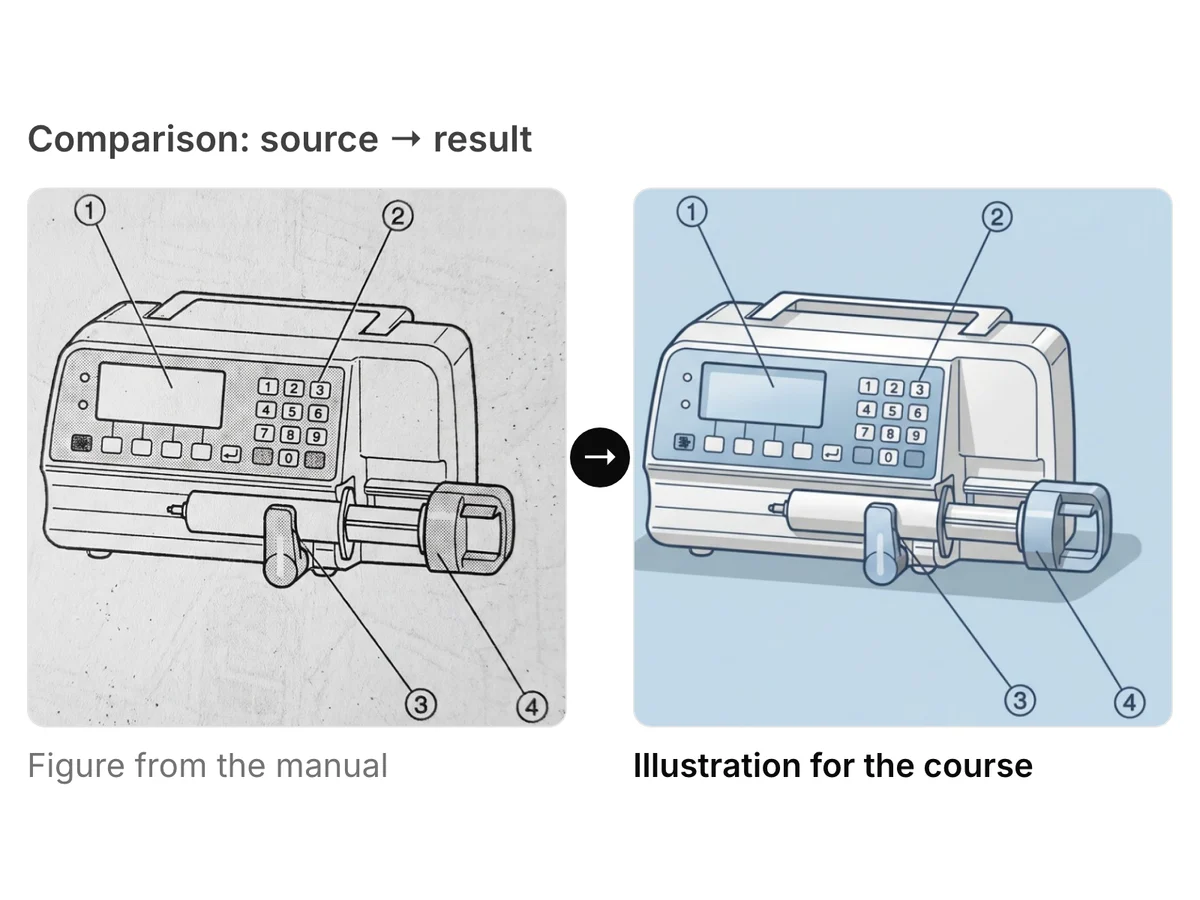 Device illustrationAI
The figure from the manual becomes a clean illustration.
-
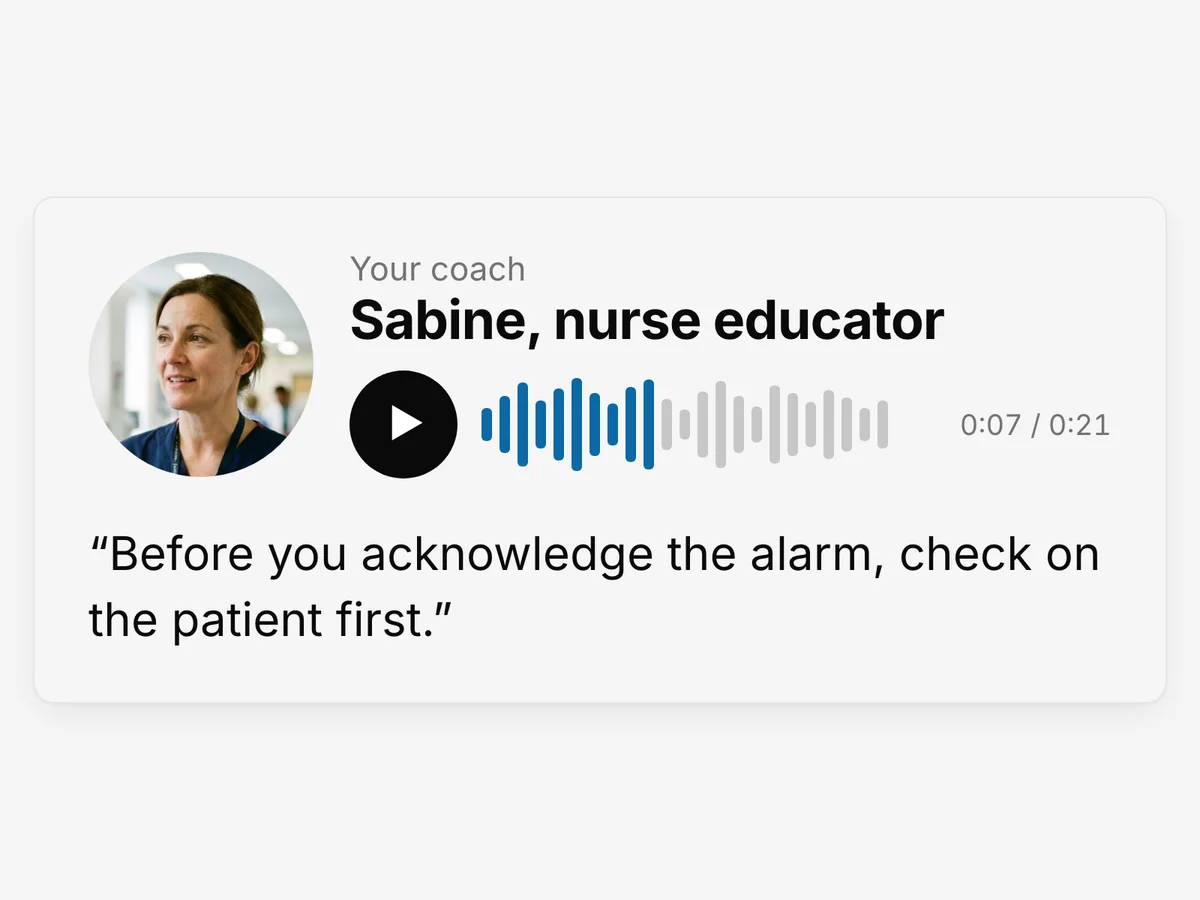 Voice-overAI
Your text becomes a voice that guides learners through the lesson.
-
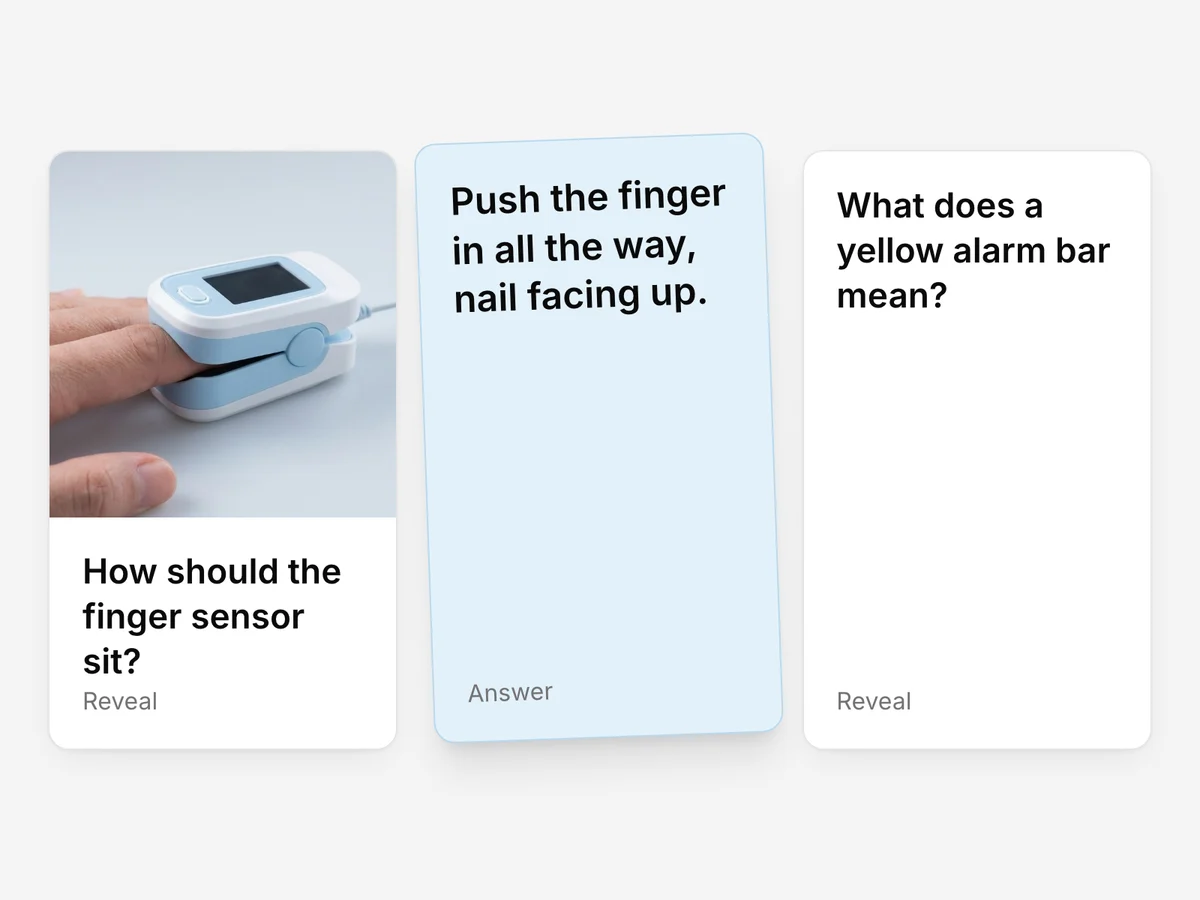 Flashcards
Terms and handling steps to flip and review.
-
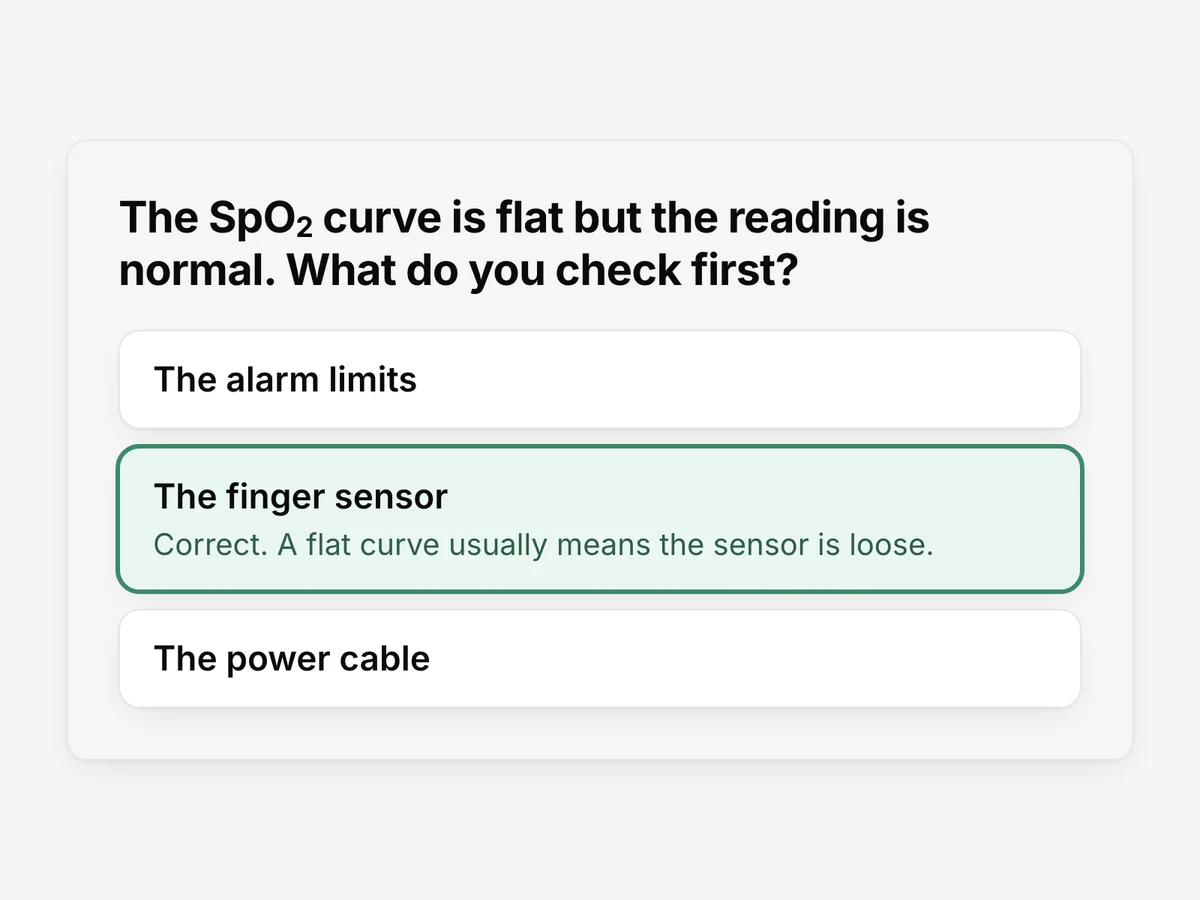 Decision
Learners make a call in a realistic scenario and see what happens.
-
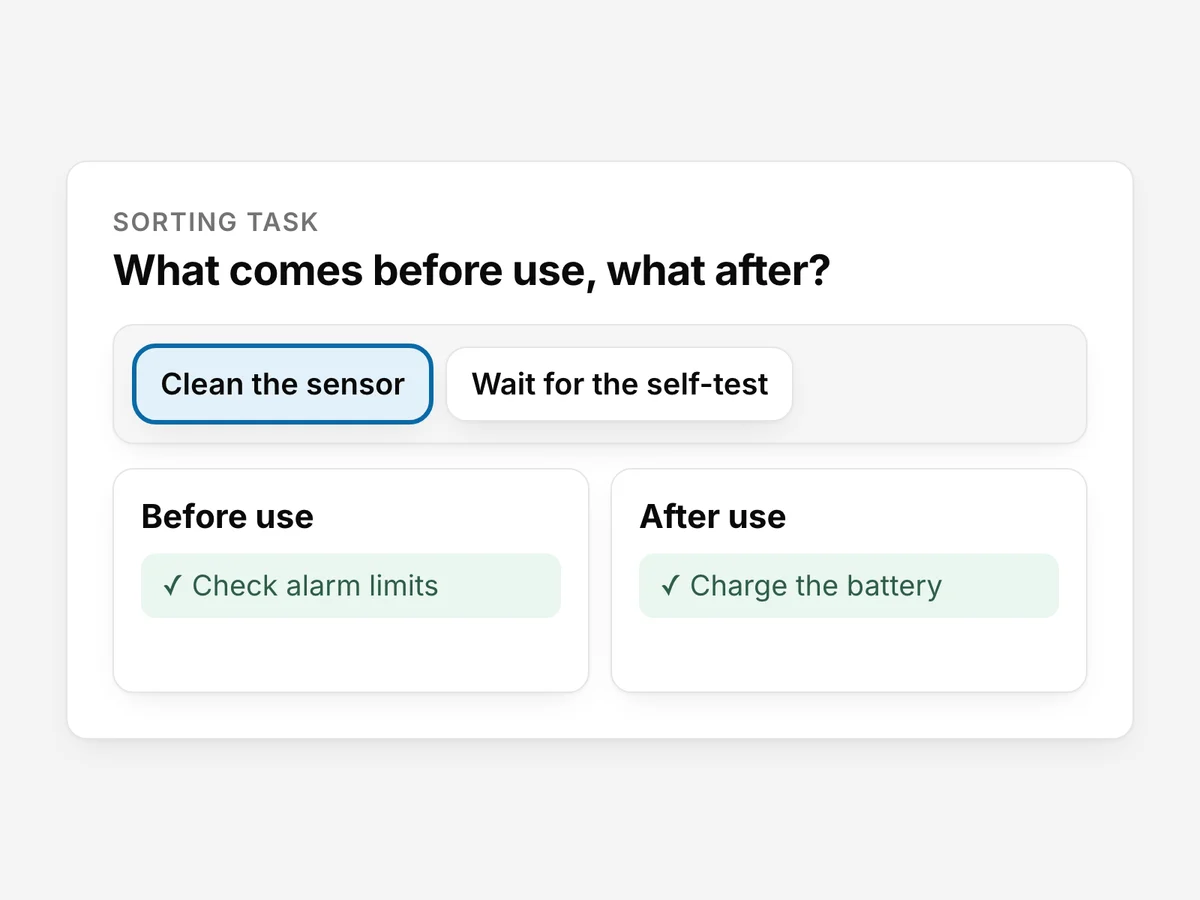 Sorting task
Tap terms and sort them into the right group.
-
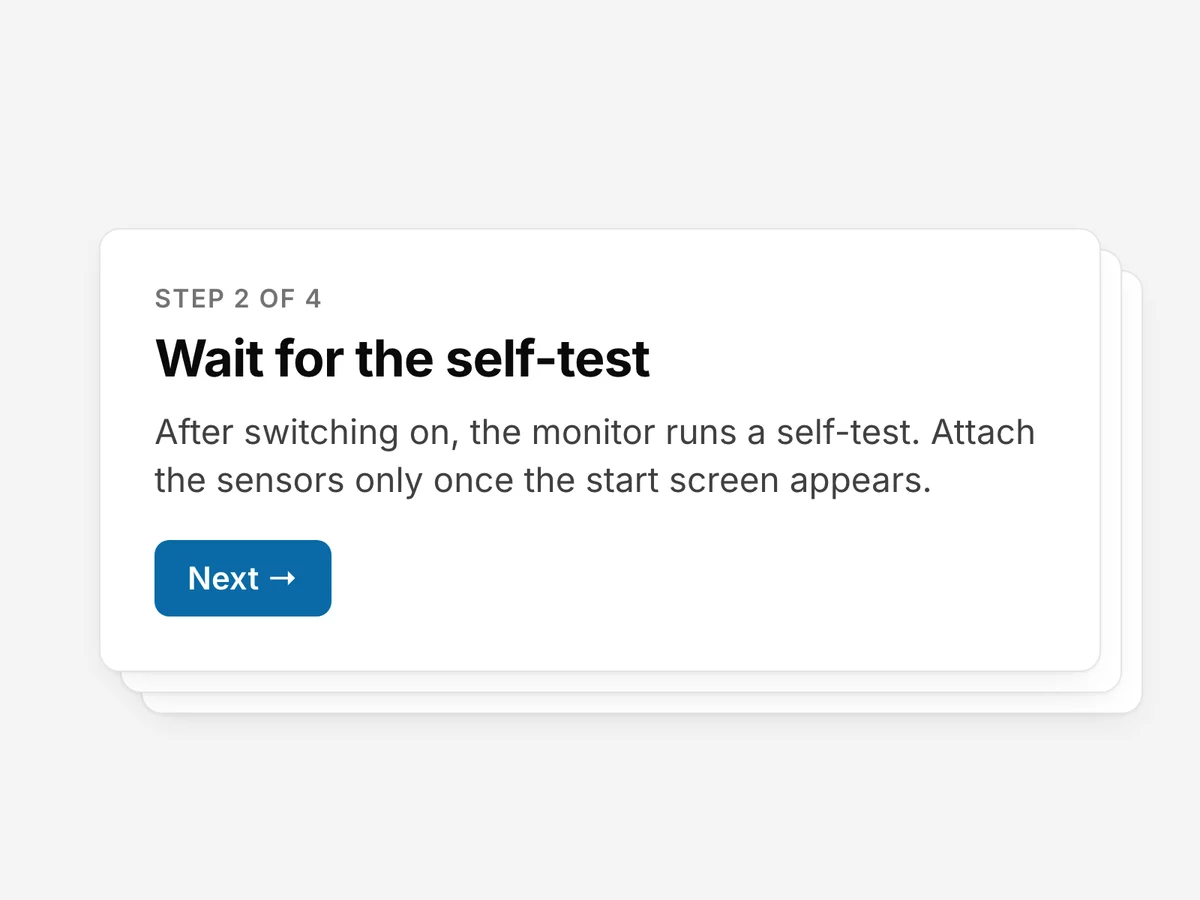 Process
Walk through device procedures step by step.
-
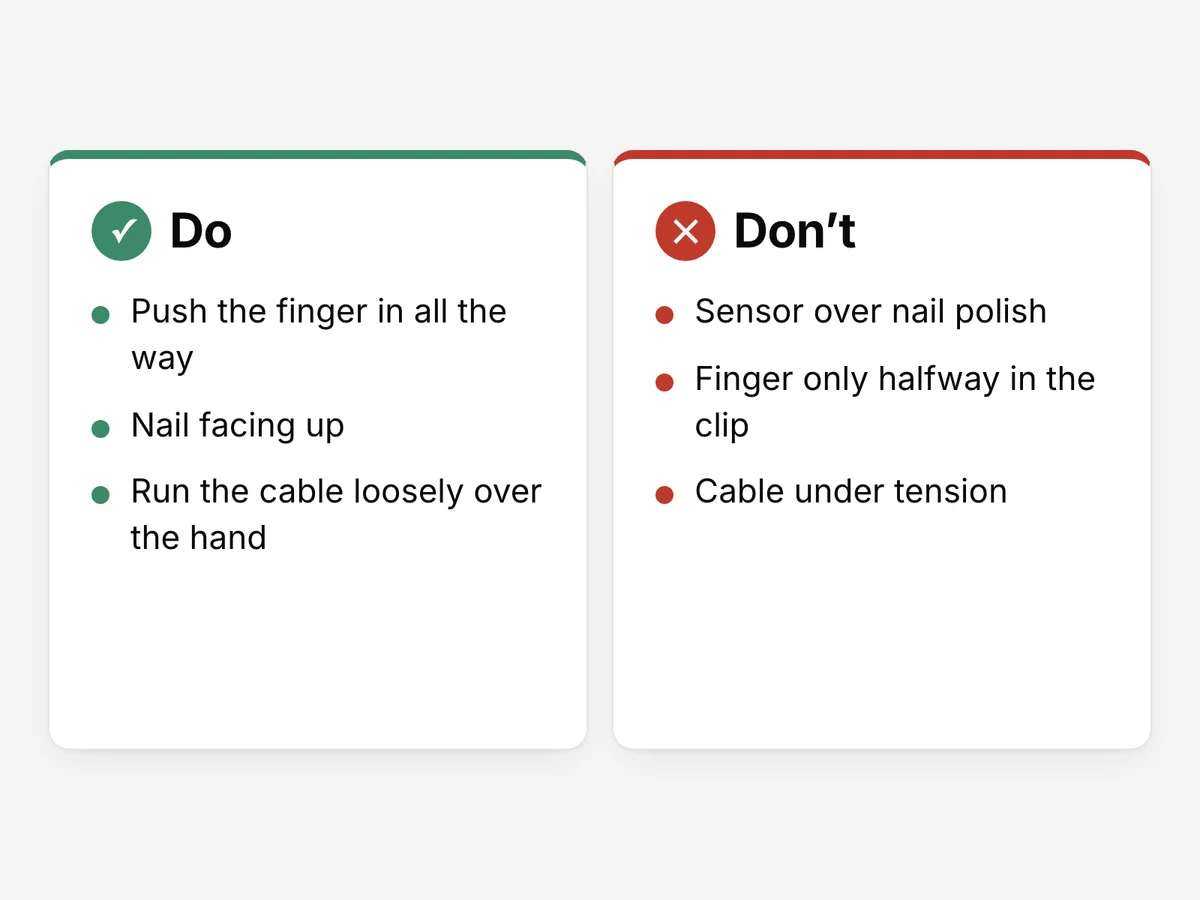 Do and don’t
Correct and incorrect handling side by side.

Product management, training and medical affairs work on one course.
Comments, changes and approvals stay with the course, visible to everyone.
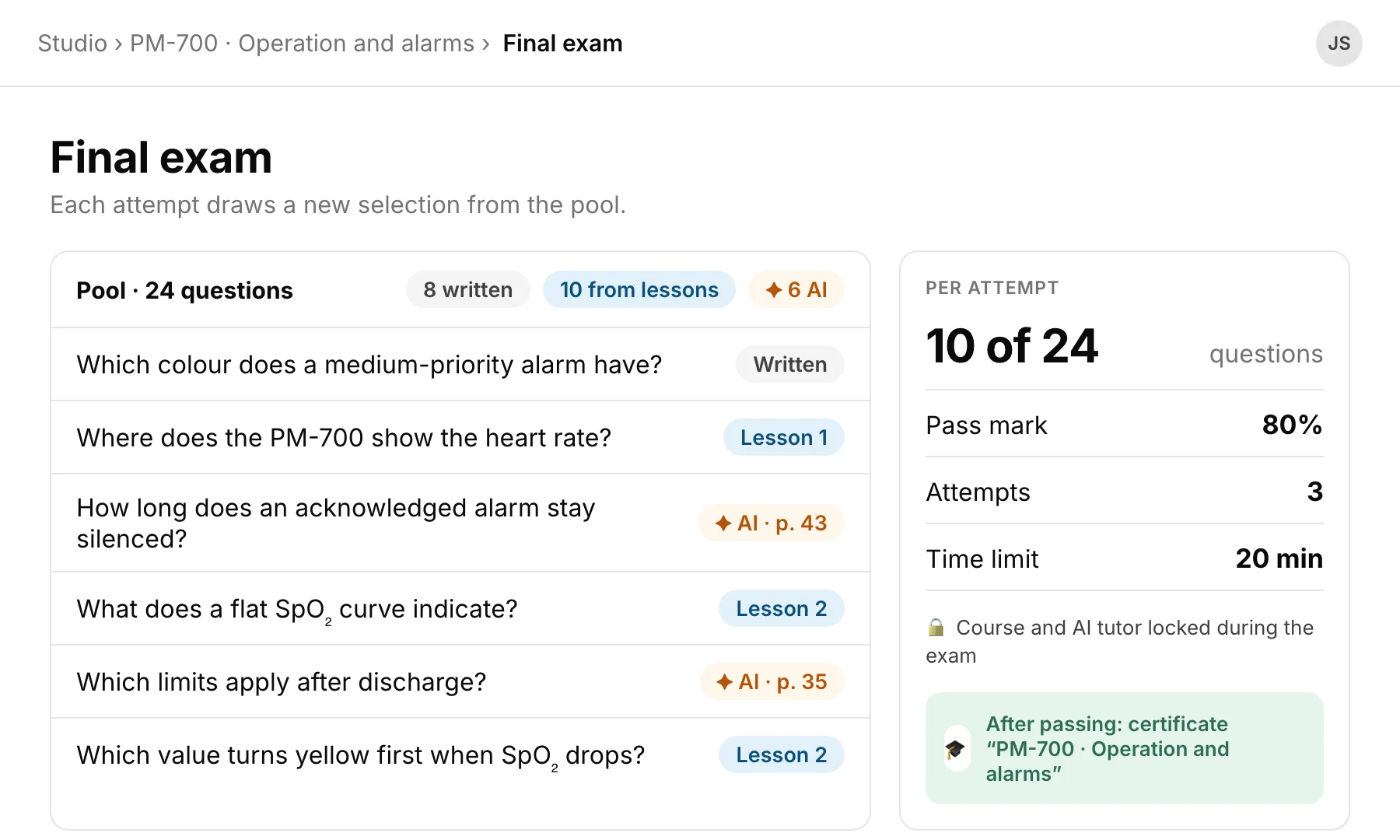
The exam is built from your course.
The question pool fills from three sources: you write them yourself, take them from the lessons or let the AI suggest them from course and manual. Every attempt draws a new selection. Learners who pass receive a certificate.
- You set the pass mark, number of attempts and time limit
- Course and AI tutor are locked during the exam
Also included.
Analytics show the error rate per question, per lesson and per market. You see which part of the course to improve first.
Learners ask questions on their phone, right next to the device. The tutor answers from your approved material and names the page in the manual.
Already using an LMS? Export the course as a SCORM package and upload it there.
Learners see your logo, on your own domain if you like, for example training.your-company.com.
Embed existing H5P content as a block in your lessons.
Your course is where the chain starts.
What you approve reaches distributors, hospitals and every learner in their language.
01 · You are hereCourse authorsBuild and approve the course.  02Sales & Partner EnablementRoll the course out to markets and distributors.
 03Training teamsAssign courses and document every device training session.
 04LearnersLearn on their phone and ask the tutor.
What course authors ask us.
Is AI content safe for medical devices?
The AI only writes drafts. Nothing is published until the experts you name approve it. Every published version is kept unchanged.
Which formats can we upload?
PDF and PowerPoint, with the original pages kept as the source. Videos become lessons too.
What happens when the device or manual changes?
You change the lesson, your reviewers approve the change, and learners get the new version.
Who owns the content?
You do. Your courses and your material stay yours.
Do we need our own e-learning department?
No. Product management and training teams build the courses themselves. If you prefer, we produce them for you.
Send us a manual.
We’ll show you the course it becomes. One of our founders will reply personally, usually within two working days.
Talk to us