
Use your device safely, with short lessons on your phone.
Learn to use your device in short lessons: tap your device's screen, go through procedures and answer quick checks. If something is unclear, the AI tutor answers from the course and the instructions for use and names the source. You finish with an exam and a certificate.

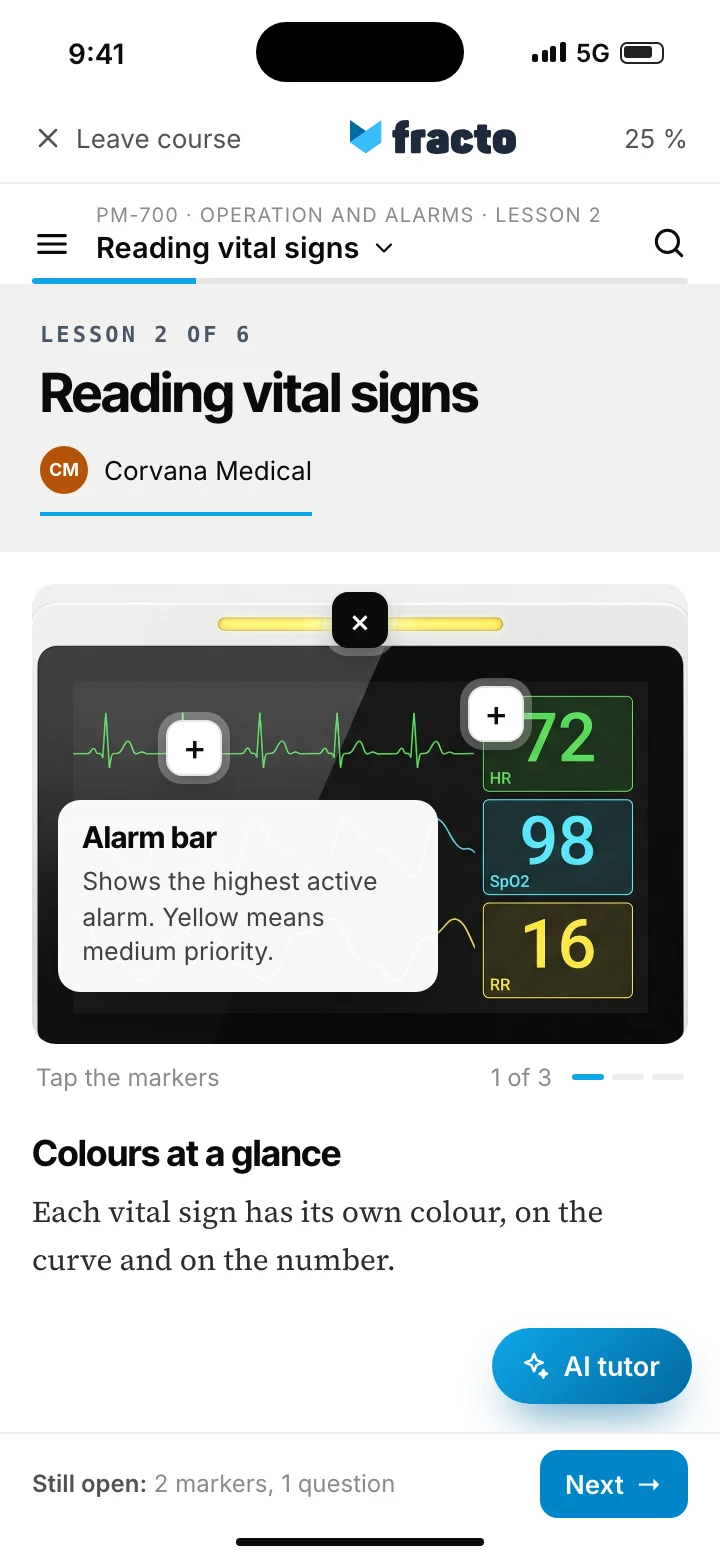
How you get into your course.
Your hospital, your employer or the manufacturer of your device invites you. You then sign in with the email address the invitation was sent to.
- InvitationBy email from your hospital, your employer or the manufacturer.
- Sign inWith the email address from the invitation. In the browser, nothing to install.
- Open your courseYour courses are listed in your overview. That is where you pick up where you left off.
RequiredPM‑700 · Operation and alarms
This is where you learn your device.
All your courses, your progress and your certificates in one place, on your phone and on the ward computer.
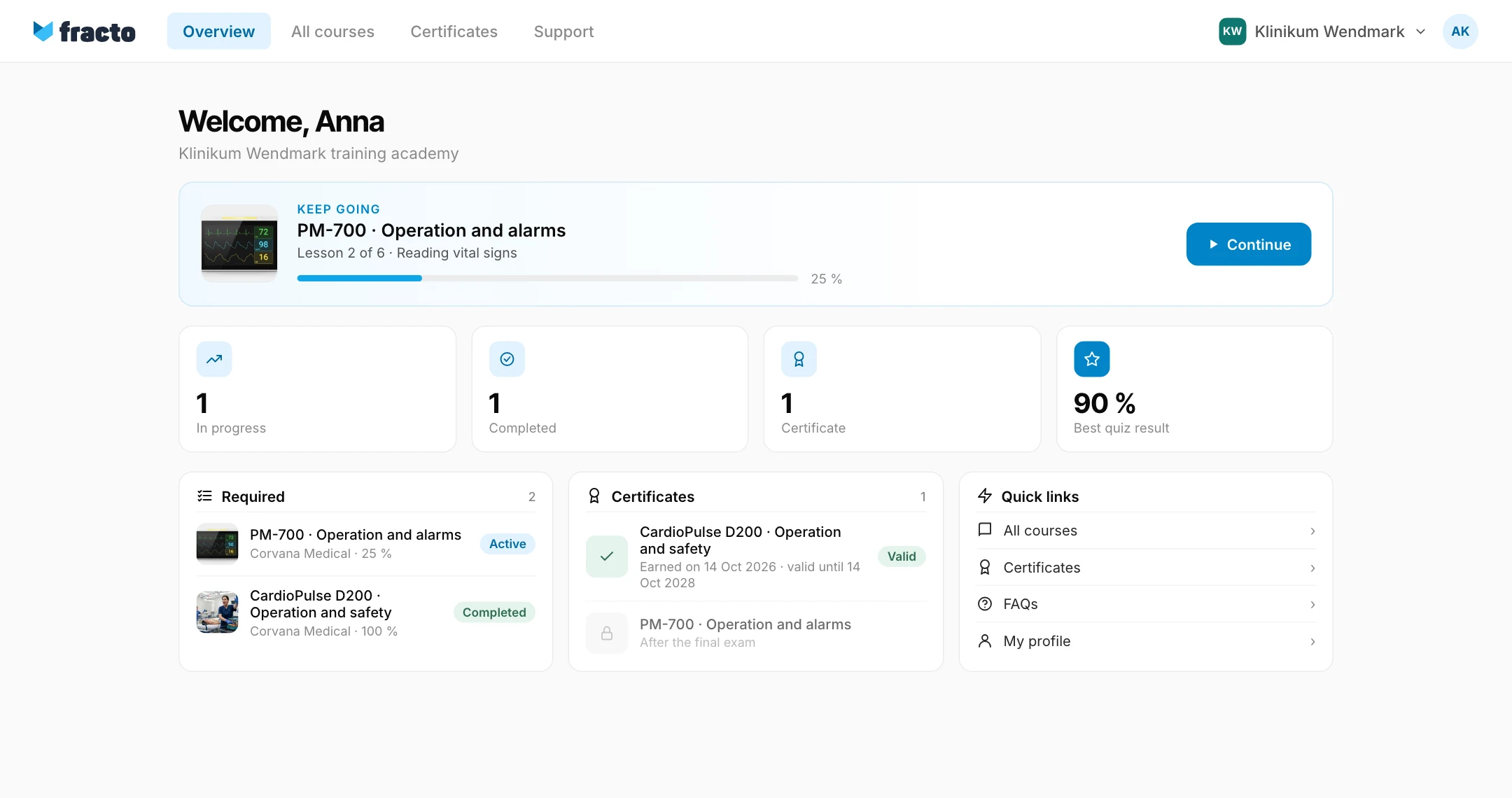
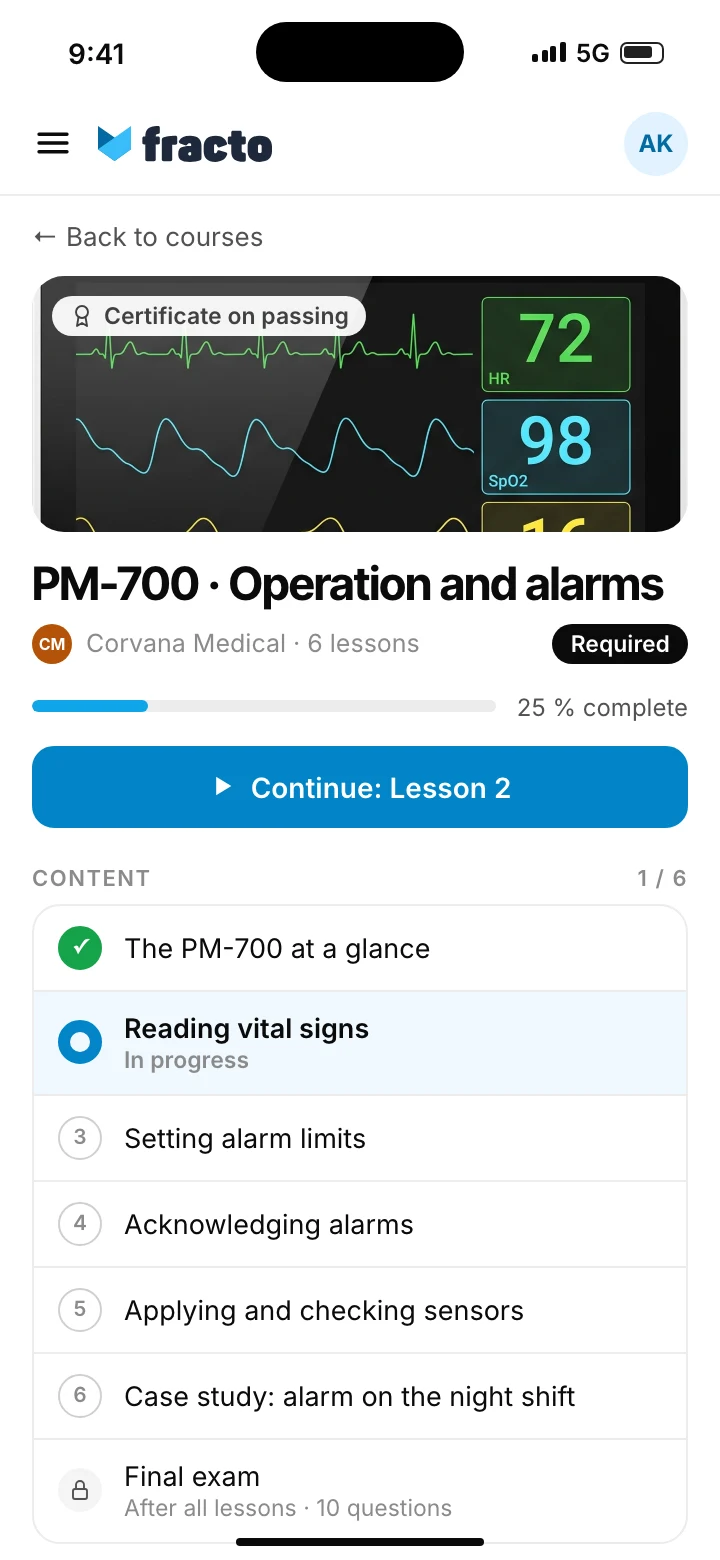
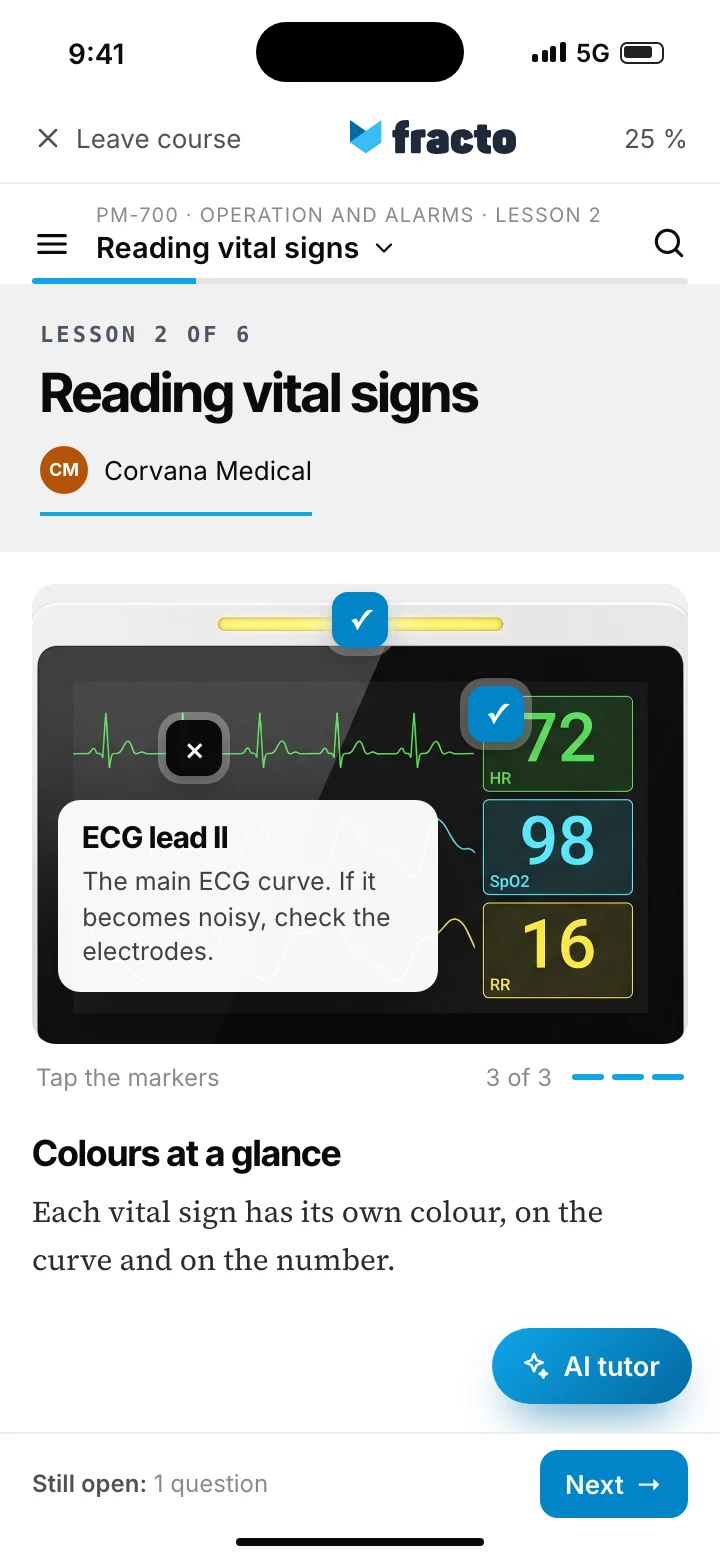
Learn on your device's own screen.
Each lesson uses your device's own screen. Tap the markers to see what each value means. You also get step-by-step procedures, flashcards and quick checks.
- Pictures and procedures of your device
- Quick checks with feedback
- Your progress is saved
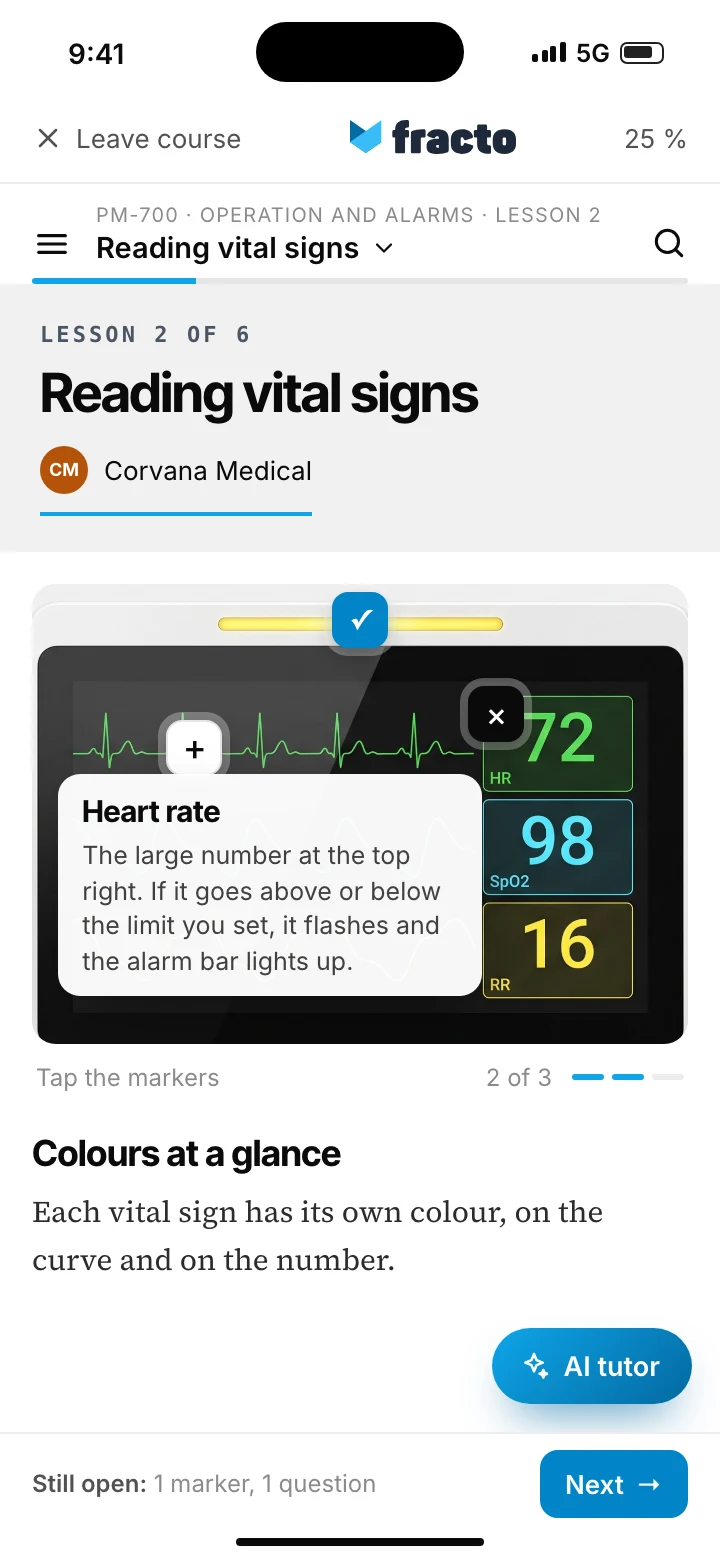
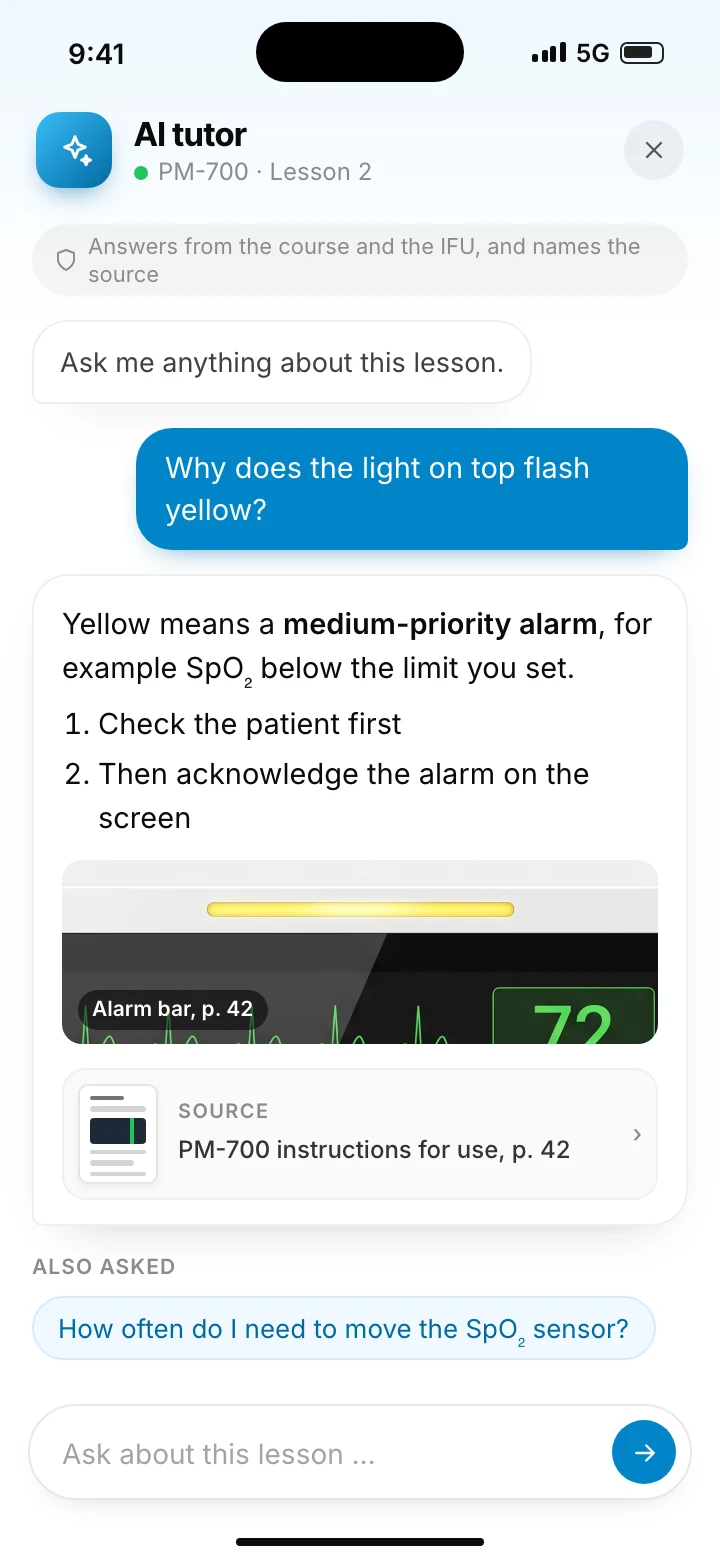
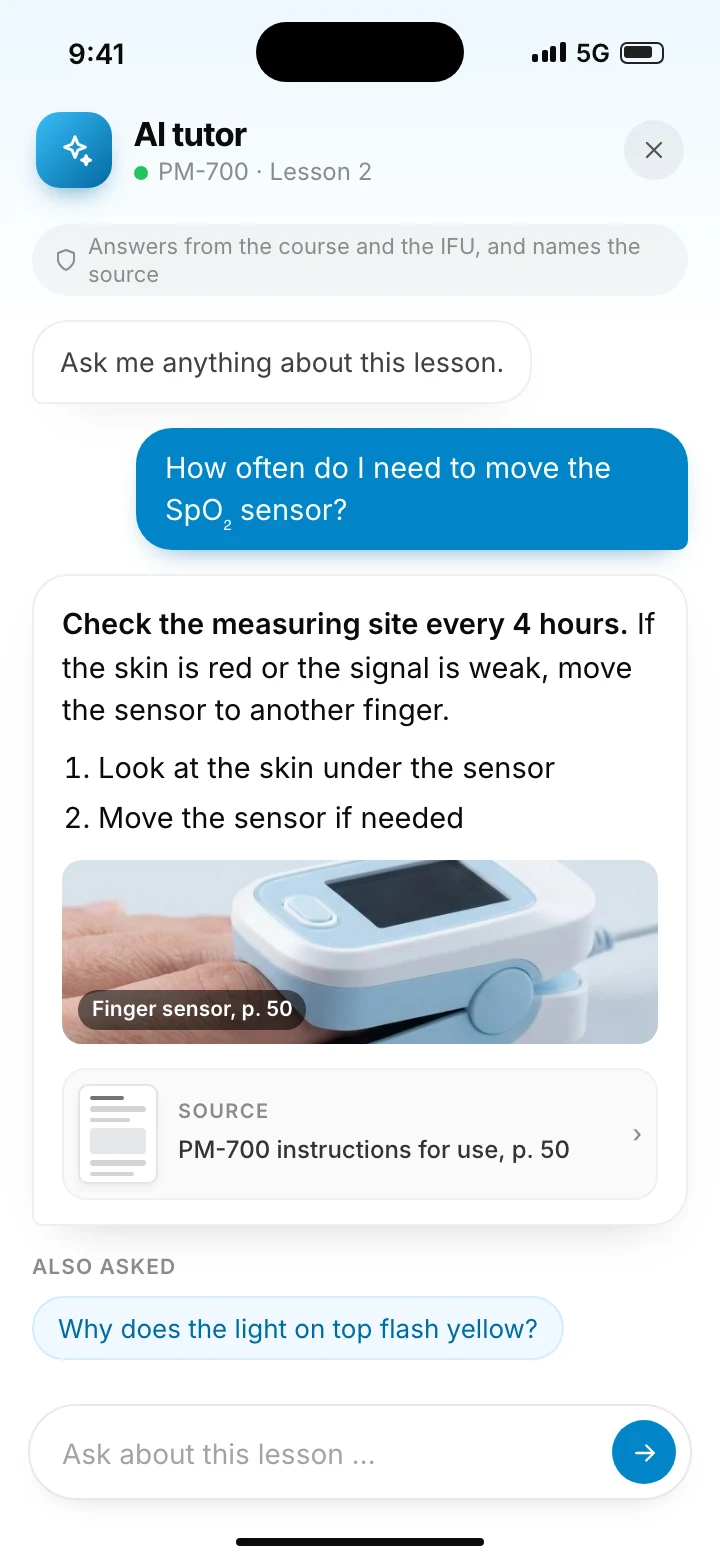
Unsure? Ask the tutor.
The tutor draws on the approved course and the instructions for use of your device and names the source with the page number. If it finds nothing there, it tells you.
- Ask in your own words, even just before you use the device
- Locked during the final exam

Learn when it fits your shift.
On a break, before your shift or just before you use the device. Fracto remembers where you left off.
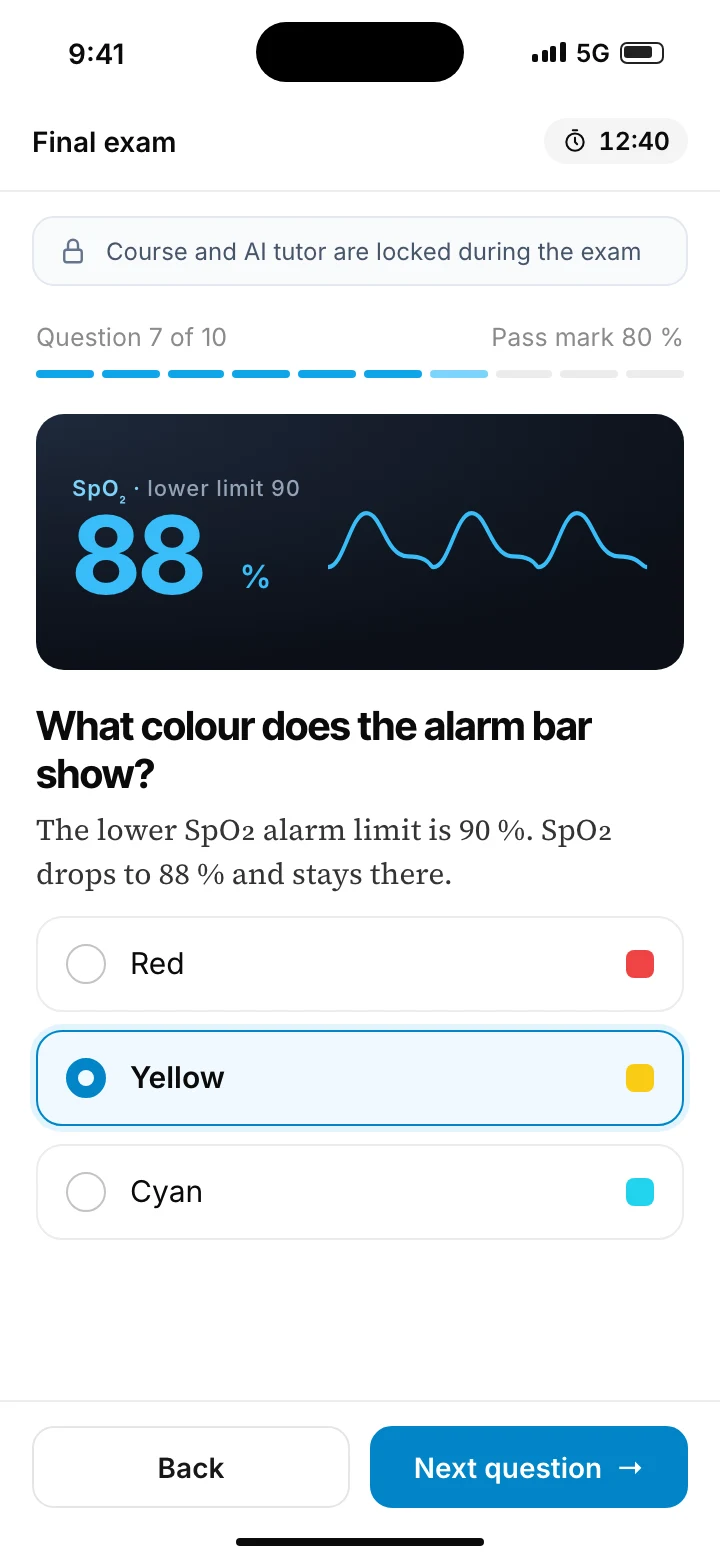
Pass the exam, get your certificate.
After the lessons comes the final exam. As soon as you reach the pass mark, your certificate is ready as a PDF. Its QR code leads to a verification page that shows it is genuine.
- The course decides whether and how often you can retake it
- You can keep your credentials as a PDF
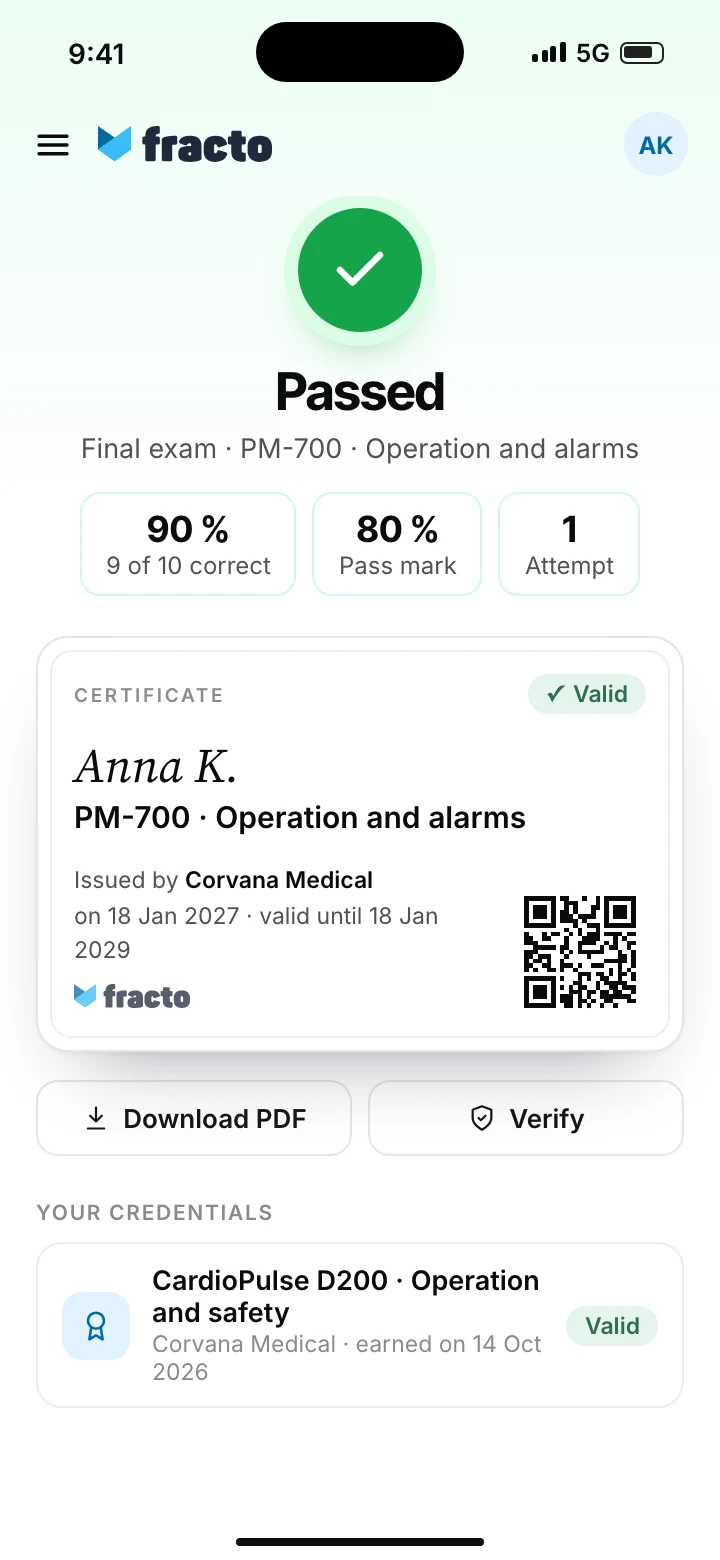
Also included.
You choose the interface language yourself. It applies everywhere, including at a second institution.
If a certificate is about to expire, you see it in your overview. The current one stays valid until you finish the refresher.
A video won't play or something in the course looks wrong? Report it right in the Player, with a screenshot if you like, to your institution's support.
From the manufacturer to you.
Manufacturers create the course, partners bring it to your market, and your hospital assigns it to you.
 01Course authorsBuild and approve the course.
 02Sales & Partner EnablementRoll the course out to markets and distributors.
 03Training teamsAssign courses and document every device training session. 04 · You are hereLearnersLearn on the phone and ask the tutor.
What learners ask us.
Do I need an app?
No. Fracto runs in the browser, on your phone and on the ward computer. There is nothing to install.
How do I get access?
Your hospital, your employer or the manufacturer invites you by email. Some institutions also let you request access yourself. Someone there then decides on your request.
Where does the tutor get its answers?
It draws on the approved course and the instructions for use of your device and names the source with the page number. If it finds nothing there, it tells you.
What if I don't pass the exam?
You see your result. The course decides whether and how often you can retake it, and whether there is a waiting time in between.
What happens to my certificate if I change jobs?
Your Fracto account belongs to you, not to your institution. Your credentials stay in it, even when an access ends. You can also keep them as a PDF at any time.
Already in, or not yet?
With an invitation, you open your courses. Without one, your training lead finds everything they need on the page for training teams.
Open your courses.
Sign in with the email address your hospital or employer sent the invitation to.
Sign in →Tell your training lead.
Copy the link to the page for training teams and pass it on. We store nothing.